
Many users occasionally see smsfee prompts or have questions about charges when logging in to Telegram. As a globally popular instant messaging tool, Telegram relies mainly on phone numbers to receive verification codes for login. Users on certain networks or using third-party clients may be unsure about SMS fees. Understanding where these fees come from and how tools such as Turrit can improve the experience is essential for every Telegram user seeking to protect their assets and account security.
Why Does Logging In to Telegram Incur SMS Fees?
How to Identify Unusual Charges During Telegram Login
Improve Your Telegram Login and Experience with Turrit
Telegram Login FAQs and Tips to Avoid Pitfalls
Why Does Logging In to Telegram Incur SMS Fees?
When you enter your phone number on a device and request a verification code, Telegram servers send your carrier an SMS containing the code. Under normal circumstances, this is a standard carrier SMS service. However, some users may incur additional SMS fees while roaming overseas or logging in through unofficial channels.

This fee is commonly called smsfee. It is not charged by Telegram; rather, your telecom carrier bills you for receiving international or special-channel SMS messages according to your plan. If your balance drops unexpectedly, first check your carrier bill for charges for receiving international SMS messages. To avoid such issues, use a stable network and an officially recognized client such as Turrit, reducing repeated code requests caused by network fluctuations.
How to Identify Unusual Charges During Telegram Login
The key to identifying unusual charges is monitoring SMS frequency. If you tap “Resend code” several times in a short period, your carrier may treat the requests as multiple international SMS interactions, resulting in cumulative charges.
Client type | Fee transparency | Login stability | Feature extensibility |
|---|---|---|---|
Turrit | High (no additional SMS fees) | Very high | Rich |
Official Telegram | High | High | Basic |
Unofficial third-party client | Low | Low | Unstable |
As the table above shows, choosing an optimized client such as Turrit can effectively reduce potential fees caused by frequent verification-code requests. Turrit is deeply adapted to the underlying protocols of Telegram, making verification requests more precise during login and avoiding unnecessary repeated sends.
Improve your Telegram login and experience with Turrit
Turrit is more than a simple messaging tool; it provides Telegram users with a more efficient interface. Many users choose Turrit because it handles network latency better, reducing reliance on SMS verification codes when logging in.
Key advantages of Turrit
Smart network optimization: Turrit can automatically identify the best connection nodes, ensuring smoother data transfer for Telegram.
Convenient account management: With Turrit, you can manage multiple Telegram accounts more intuitively without frequently switching logins, reducing the number of verification codes you receive.
Enhanced privacy protection: Turrit has multiple encryption mechanisms built in to keep your chat history and personal information safer within the Telegram ecosystem.

When you use Turrit, the system first tries to keep you logged in through an existing session. This means Telegram will not necessarily require SMS verification every time you switch devices or restart the app, greatly reducing the likelihood of smsfee charges. In addition, the interface of Turrit better suits Chinese users, making it easier to manage your Telegram settings.




Telegram Login FAQs and Tips to Avoid Pitfalls
In everyday use of Telegram, users may also encounter restricted logins or delayed verification codes, in addition to SMS fee issues.
Frequently Asked Questions
Q: Why am I always asked for SMS verification when using Telegram?
A: This is usually because your device cache was cleared or you frequently log in from different IP addresses. To reduce this, enable two-step verification (2FA) in Turrit. That way, even when switching devices, you can log in with a password instead of an SMS code for Telegram.
Q: Does Turrit incur additional SMS fees?
A: No. Turrit only serves as a client interface for Telegram. It cannot send or receive SMS messages and does not initiate charges through your carrier. All fees are determined by your carrier and your mobile plan.
Q: How can I tell whether my Telegram account has been compromised?
A: You can view all currently logged-in devices under “Settings” -> “Devices” in Telegram. If you see an unfamiliar device, immediately tap “Terminate All Other Sessions.” Users of Turrit can also monitor unusual account logins in real time through its built-in Security Center.
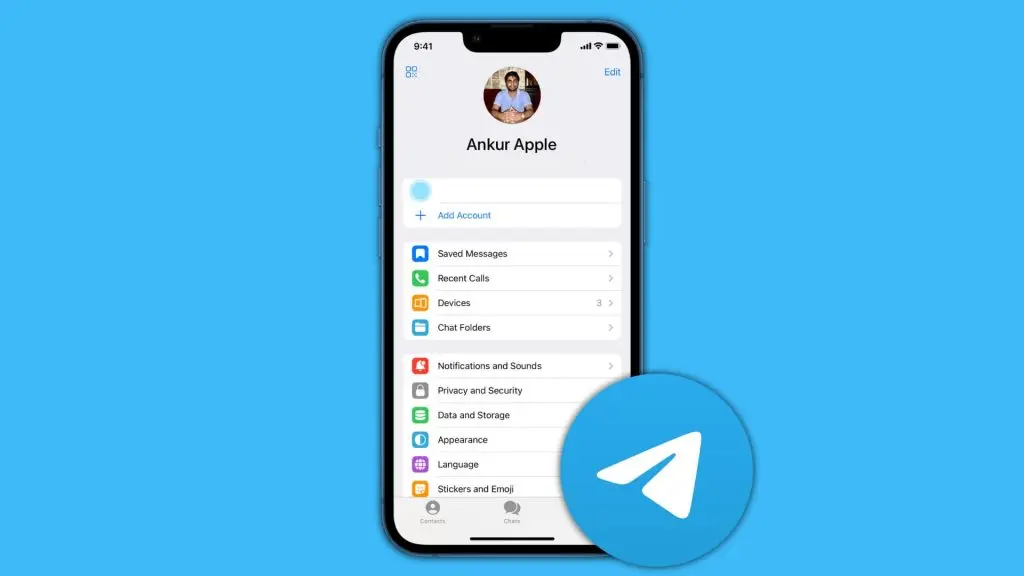
To keep your Telegram account secure, regularly review your privacy settings. Do not click links from strangers, even if they appear to be official Telegram support. The official service will never ask you by SMS or private message to provide a verification code or pay any fee. Security tools from Turrit make it easier to manage these permissions and keep your communication environment clean and efficient.
Stay alert when handling anything related to Telegram. Whether you have questions about smsfee charges or are choosing an auxiliary tool such as Turrit, understanding how it works can help you make informed decisions. With sensible settings and proper practices, you can make full use of Telegram while avoiding unnecessary costs.